
FAQ: Getting the Most of Your iPhone for Creative Work
Partager
The iPhone is a remarkable tool for creative work, brimming with potential for photographers, designers, musicians, and digital artists alike. If you're looking to push the boundaries of your creativity using your iPhone, you're in the right place. Here are some frequently asked questions and tips to help you maximize your creative workflow.
How Can I Enhance My iPhone’s Photography Capabilities?
- Use Third-Party Apps: While the native camera app is robust, third-party apps such as VSCO, Snapseed, and ProCamera offer advanced features and manual controls that can take your photography to the next level.
- Invest in Accessories: A good lens attachment can expand your photographic prowess significantly. Consider accessories that offer macro, wide-angle, or fisheye capabilities for diverse shooting options.
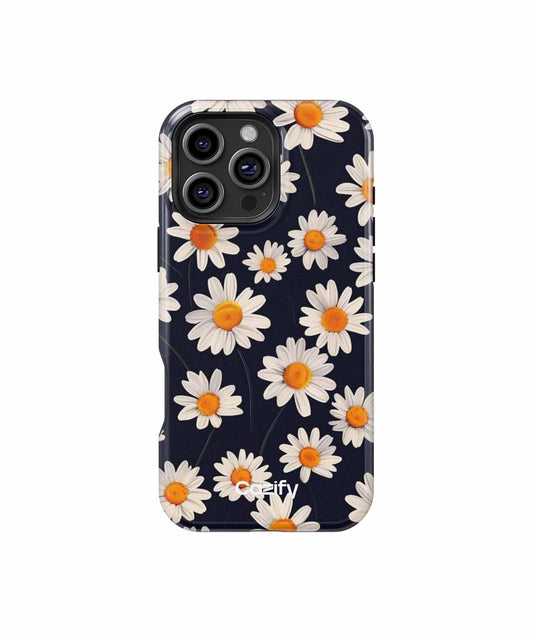
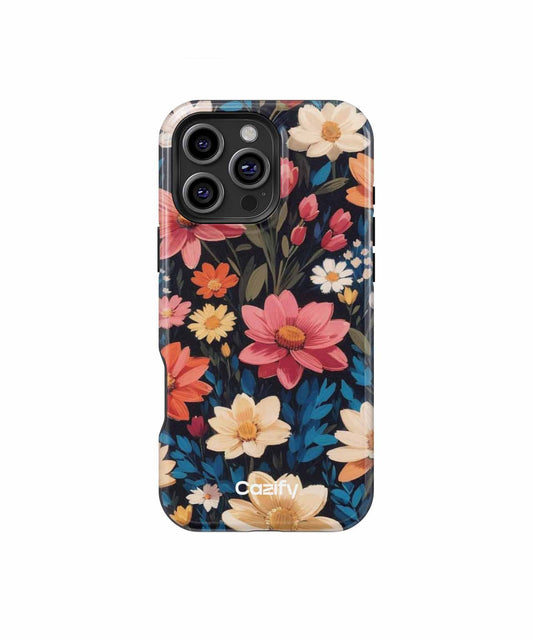
- Protection Matters: Protect your device while showcasing your style. For instance, the Dreamy Nighttime Fields of Flowers iPhone case offers durability and a beautiful design that won’t interfere with your photography sessions.
How Can I Make a Video Stand Out?
- Utilize iMovie or Filmmaker Pro: These apps allow you to edit videos right on your device with professional-grade tools. They are intuitive and perfect for both beginners and seasoned creators.
- Experiment with Lighting: Lighting can make or break a video. Try using natural light when possible or invest in portable LED ring lights for more controlled results.
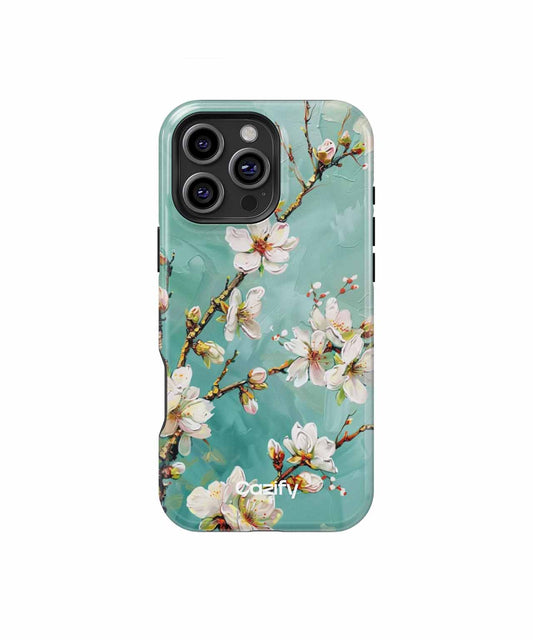
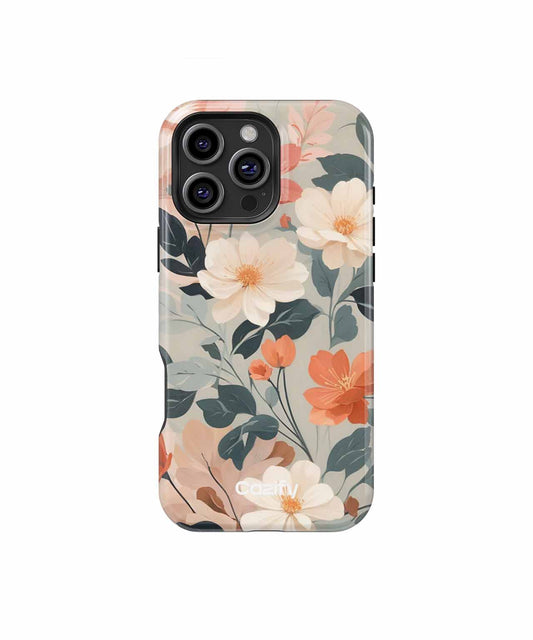
- Stylish Protection: While shooting videos on your iPhone, ensure it's safeguarded without sacrificing style. The Chic Parisian Dream with Pink Blossoms iPhone case not only protects but also adds an artistic touch to your everyday essentials.
Can I Create Music on My iPhone?
Absolutely. Your iPhone is a powerhouse for music creation.
- GarageBand: This app is free and provides a complete music production studio whether you're recording voice, instruments, or creating beats electronically.
- External Microphones: Boost your sound quality with external microphones that plug directly into your iPhone, perfect for capturing vocals and instruments with more fidelity.
What Are the Advantages of Using an iPhone for Graphic Design?
- Professional Apps: Apps like Adobe Fresco, Procreate Pocket, and Canva enable graphics design with precision. These tools offer a range of brushes, templates, and effects for crafting stunning visuals on-the-go.
- Stylus Support: Pairing your iPhone with a stylus, like the Apple Pencil (on compatible models), can dramatically increase your drawing precision and comfort.
Whether you're snapping photos, editing videos, crafting music, or designing graphics, the iPhone’s versatility is unrivaled. Remember to protect your device with stylish and sturdy cases available at Cazify, so you can create fearlessly wherever your imagination takes you.
Happy creating!